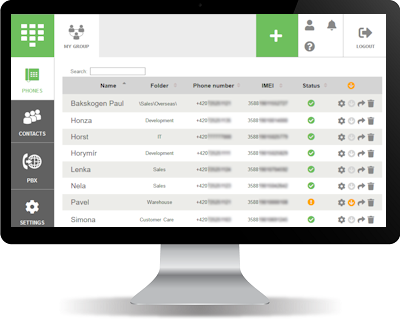
JABLOTOOL – Cloud Phone Administration
The cloud service Jablotool.com offers intuitive and effective administration of mobile desktop phones (SIM operated phones) produced by Noabe (Jablocom). It enables creating and administering phone groups; checking phone statuses; synchronizing contacts; setting hotkeys, call forwarding rules, user rights; assigning phone to an user; and other functions.
These pages provide comprehensive guide to the cloud administration. In case that you are setting your first phone group on Jablotool.com we recommend you to follow at least the Getting started section of this guide step-by-step.
Getting started
- Step 1: Preconditions, supported phones & functions
- Step 2: Creating account and phone groups
- Step 3: Adding phones
- Step 4: Phones & Phone detail
- Step 5: Firmware update
Settings
- Individual vs group settings
- Contacts
- Hotkeys
- Switchboard
- Call forwarding rules
- User rights & Call restrictions
- Synchronization settings
Assining user & private remote access
Special features of phones
- Essence: Fixed prefix
- Essence: Autodial feature
- Essence: Call transfer controlled by USSD/DTMF
- Essence: Mounting phone on a wall
- Raven: Google services on Raven
 Podpora pro kamery EYE-02 v češtině