Updating Raven with Beta SW
I am Beta tester. How can I update my Raven with Beta SW?
Before you update Raven please connect it to your local WiFi network. Full software update may involve downloading dozens of MB from our server. When Raven is connected follow these steps:
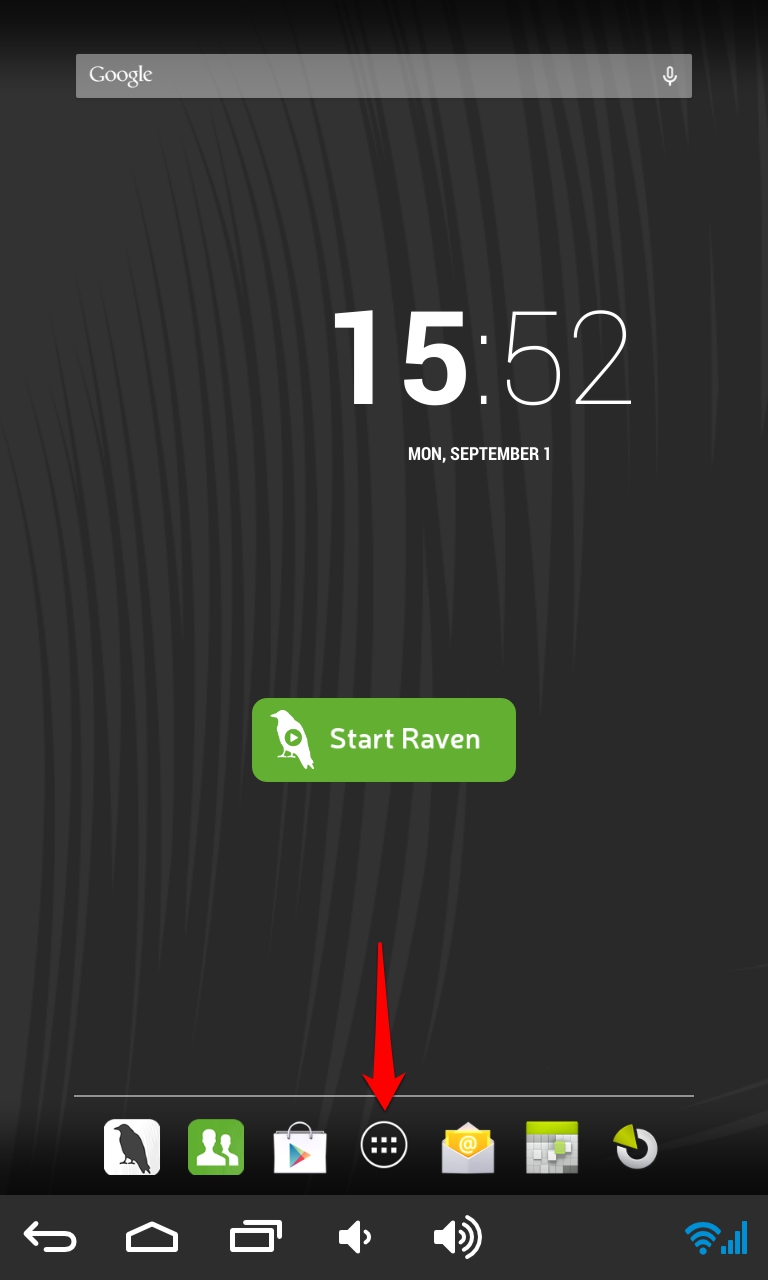
- Open the list of applications on your Home screen.
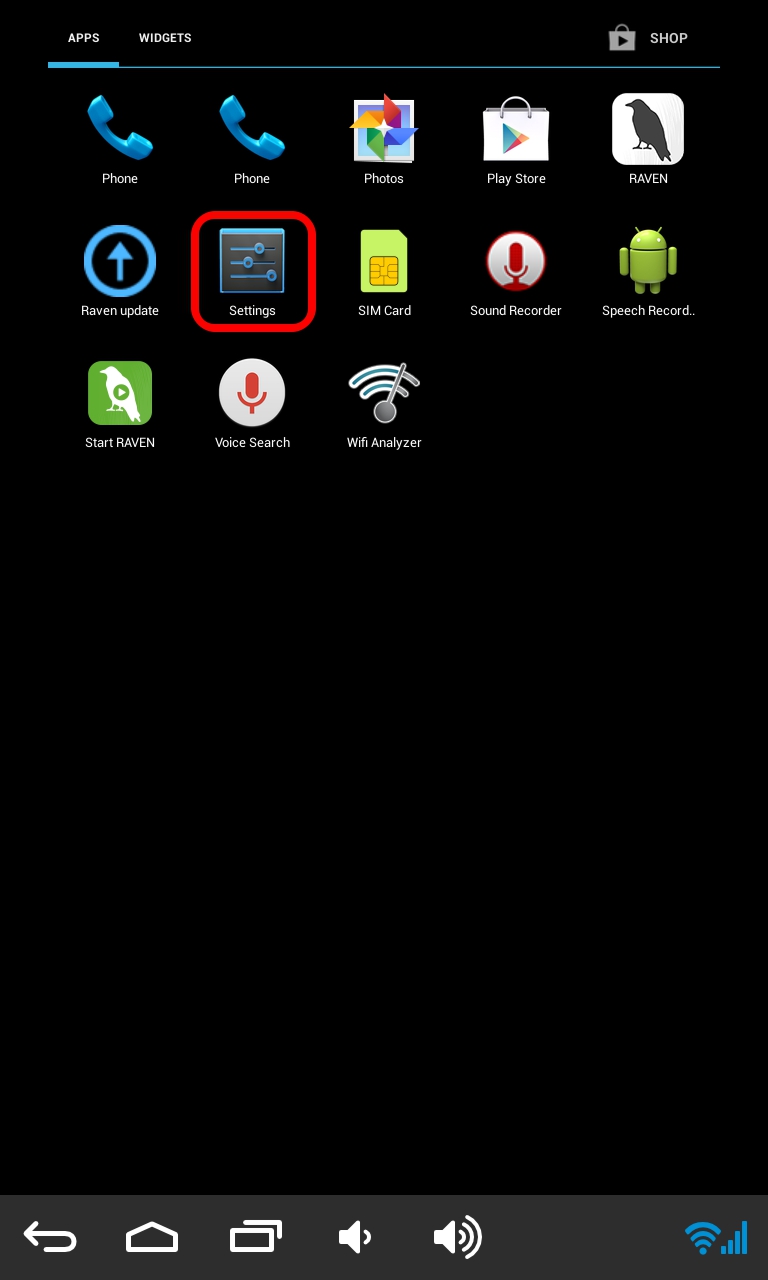
- Open Settings
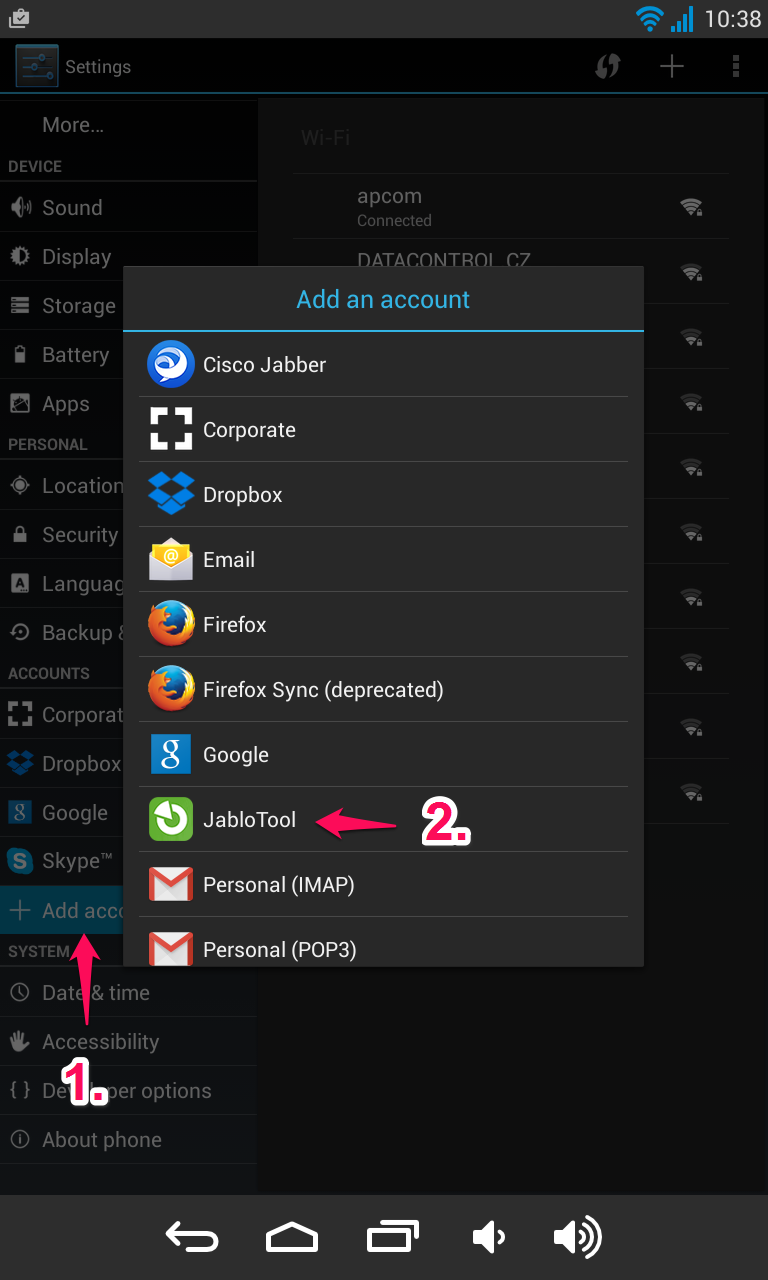
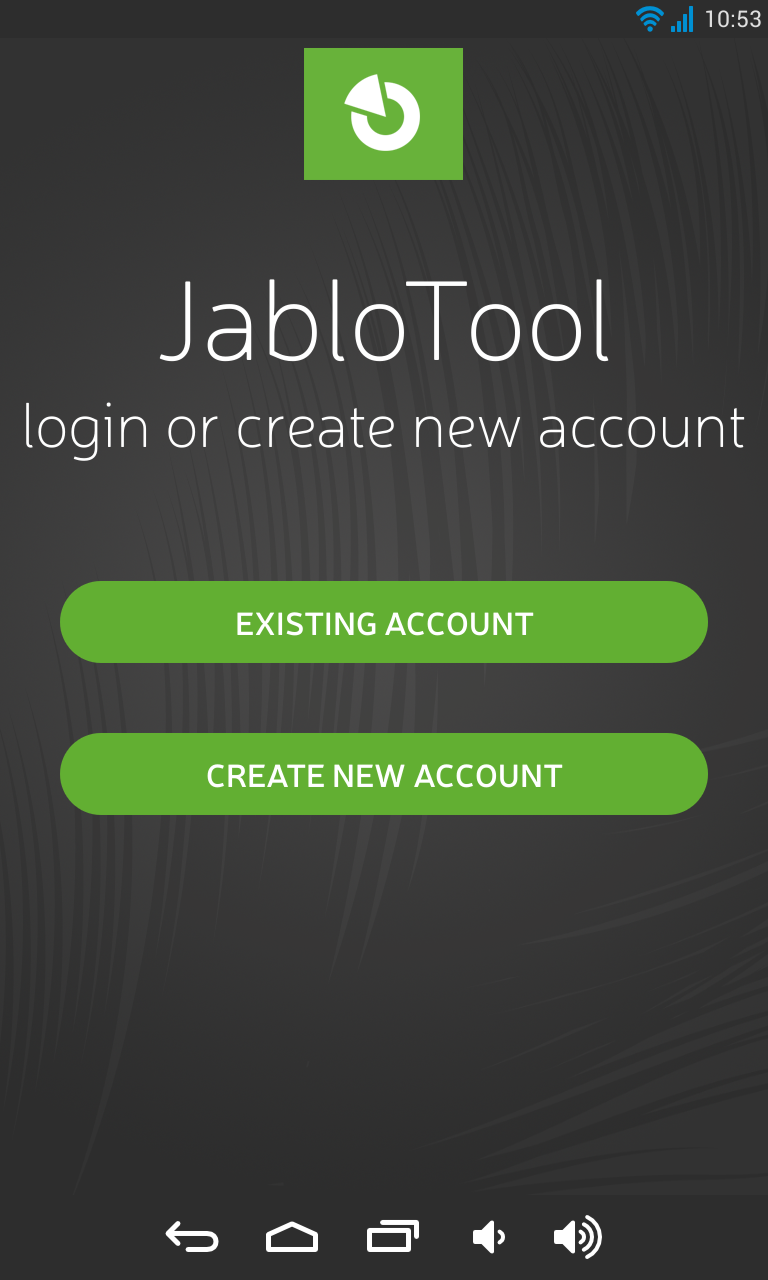
- Select Add account, choose JabloTool
- Fill in login of your JabloTool account which you use as Beta tester.
- Return to Home screen and open list of applications
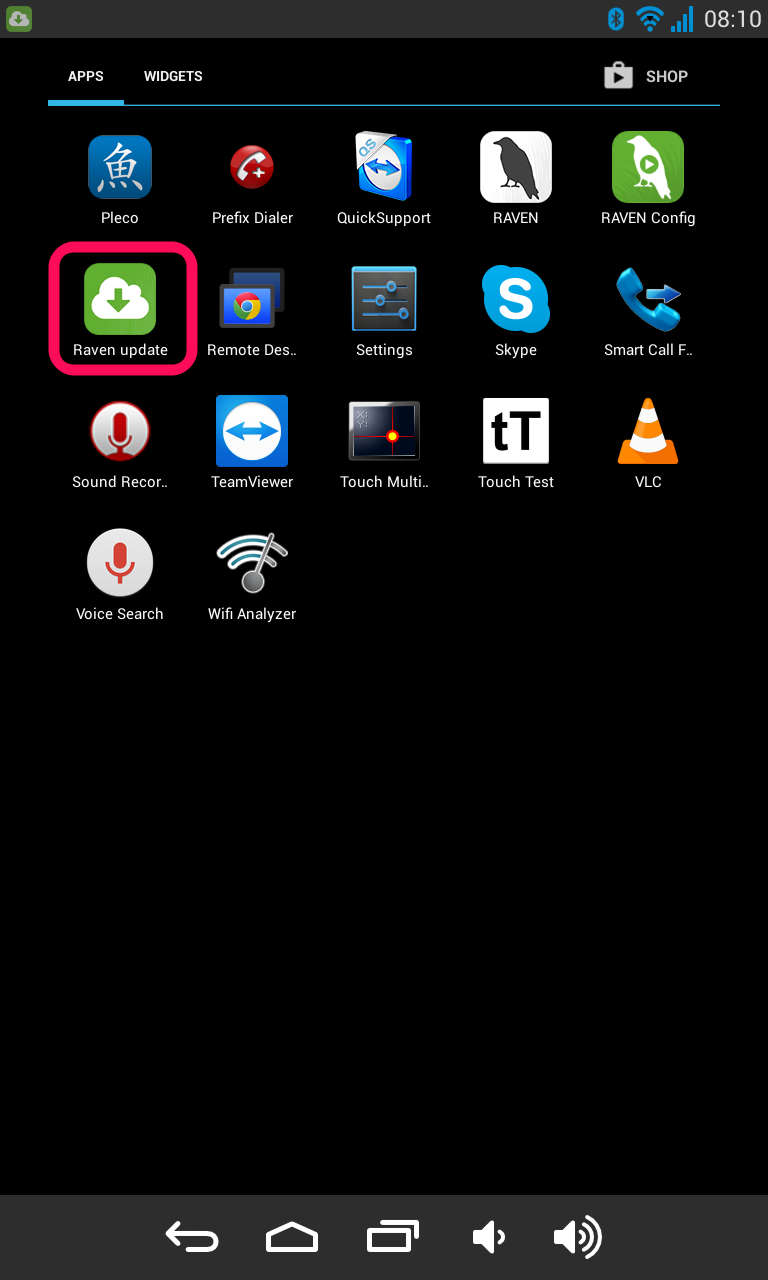
- Launch Raven update and update your Raven
JabloTool account will now appear in the list of accounts.