Voice menu missing in the camera
After changing micro SD card there is no voice menu in EyeSee camera. The memory card not only contains pictures and videos, but also some data essential for the device. Follow these steps to restore essential data on the SD card:
- Connect your camera to your PC by USB cable. It will mount as mass storage. Windows will ask you how to proceed with the new disk, select Open folder to view files.
- Click on JCHECK shortcut and save the installation file of jCheck.
- Launch the installation. jCheck will install on your PC, it will open automatically.
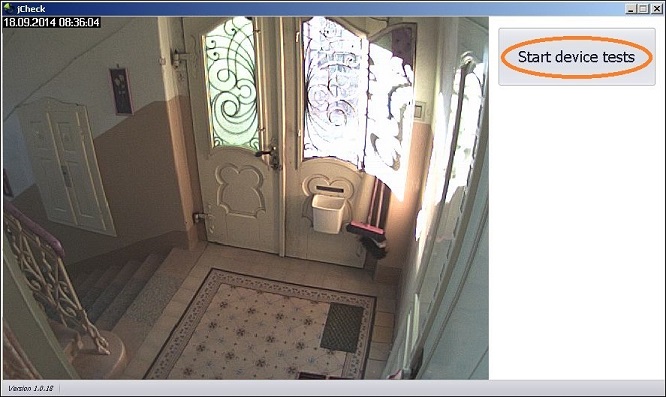
- Select Start device tests and jCheck will format the new SD card.
Now update your camera in www.jablotool.com, follow this guide. Jablotool will load voice menu on the SD card.